
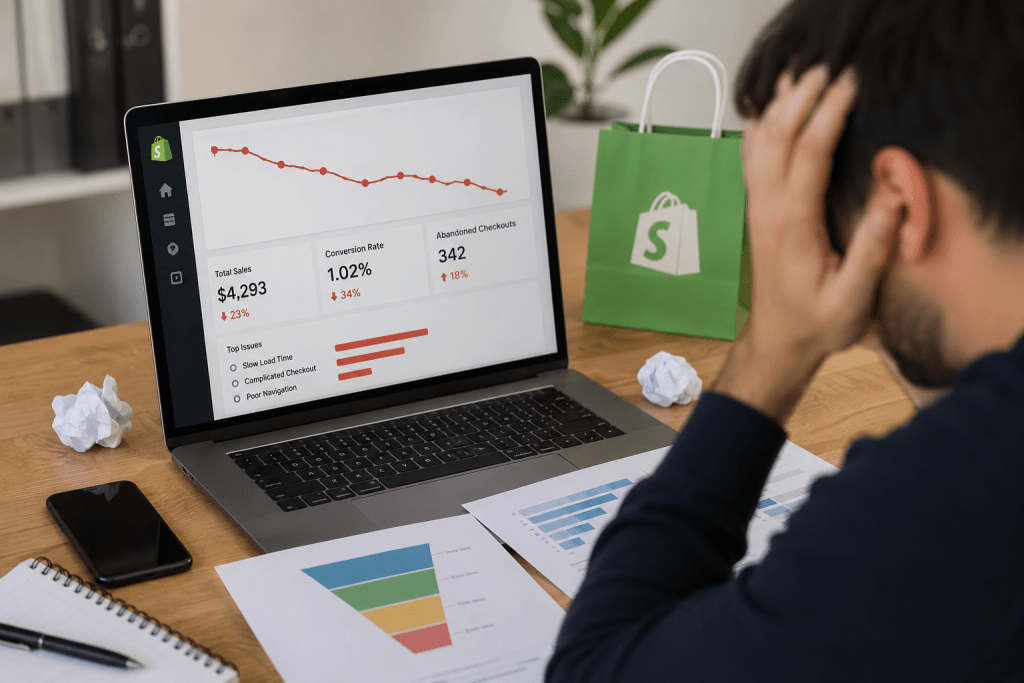

You finally got people to visit your Shopify store. Ads are running. Organic traffic is improving. Social media is driving clicks. Everything looks promising until you open your analytics and see the one number that matters most: sales.
I’ve reviewed Shopify stores that attracted thousands of monthly visitors but struggled to convert even 2% of them into customers. Surprisingly, the problem was rarely the product or the marketing. It was the shopping experience.
That’s exactly what Shopify CRO is about. Instead of chasing more traffic, it helps you get more value from the visitors you already have by removing the friction that stops people from buying.
According to Shopify, most ecommerce stores convert between 2.5% and 3%, while stores performing above 3.2% generally outperform the average. If your numbers fall well below that, your website is probably leaving money on the table.
Let’s uncover the mistakes that quietly drain your revenue and learn how to fix them.
Why Shopify CRO Should Be Your Priority
Many businesses believe higher traffic automatically means higher revenue. Unfortunately, ecommerce doesn’t work that way.
Imagine pouring more water into a bucket full of holes. No matter how much you pour in, you’ll still lose most of it.
That’s what happens when you increase your advertising budget before improving your conversion funnel. Every visitor who leaves because of poor navigation, slow pages, or a frustrating checkout represents wasted marketing spend.
Good Shopify conversion optimization helps you turn existing traffic into paying customers before investing more in customer acquisition.
7 Shopify CRO Mistakes That Hurt Your Sales
1. Sending Traffic to Weak Product Pages
Your product page has one job: remove doubt.
If shoppers still have unanswered questions after reading your product description, they’ll probably leave.
Strong product pages include:
- Clear product benefits
- High-quality images from multiple angles
- Product videos where relevant
- Honest customer reviews
- Shipping and return information
- Frequently asked questions
When people trust what they’re buying, conversions naturally improve.
2. Ignoring Shopify UX
A visitor shouldn’t have to think about where to click next.
Confusing navigation, inconsistent buttons, tiny fonts, and cluttered layouts make shopping feel like work.
Good Shopify UX feels effortless. Customers find products quickly, browse comfortably, and complete purchases without frustration.
Businesses investing in professional Shopify Development Services often discover that simplifying the shopping journey increases conversions more than adding new design features.
3. Slow Websites Lose Fast Buyers
Online shoppers don’t wait.
Research from Google has consistently shown that slower page load times increase the likelihood of visitors leaving before interacting with a page.
Common performance issues include:
- Large image files
- Too many Shopify apps
- Unused scripts
- Heavy themes
Improving speed supports both Shopify SEO Services and better user experience, creating long-term gains for rankings and conversions.
4. Making Checkout More Difficult Than It Should Be
Nothing hurts checkout optimization more than unnecessary friction.
Customers shouldn’t have to create an account, complete endless forms, or wonder about hidden shipping costs.
A smoother checkout usually includes:
- Guest checkout
- Transparent pricing
- Multiple payment options
- Trust badges
- Autofill support
- Fewer checkout steps
Baymard Institute continues to report that unnecessary checkout complexity remains one of the biggest contributors to cart abandonment.
5. Forgetting Mobile Users
More than 70% of ecommerce traffic now comes from mobile devices, according to Statista.
Yet many Shopify stores are still designed with desktop users in mind.
Open your store on your own phone.
Can you easily tap buttons?
Is the Add to Cart button visible?
Are images loading quickly?
If shopping feels awkward on mobile, many visitors won’t give your products a second chance.
6. Never Testing What Actually Works
Many store owners redesign their websites based on opinions.
Successful stores rely on data.
Simple A/B testing can reveal whether changing a headline, product image, button color, or pricing layout improves conversions.
Even small improvements often generate meaningful revenue over time.
Professional CRO Services focus on continuous testing rather than one-time redesigns because customer behavior changes constantly.
7. Skipping Regular Store Audits
Your Shopify store isn’t something you optimize once and forget.
Apps change.
Themes get updated.
Customer expectations evolve.
Competitors improve.
That’s why periodic Website Audit sessions help identify new conversion barriers before they become expensive problems.
What Is a Good Shopify Conversion Rate?
While every industry is different, Shopify’s published benchmarks provide useful guidance.
| Conversion Rate | Performance |
| Under 2% | Needs improvement |
| 2.5% to 3% | Typical for many ecommerce stores |
| Above 3.2% | Better than average |
| Above 4.7% | Among high-performing stores |
Rather than chasing a specific percentage, focus on creating a faster, simpler, and more trustworthy buying experience.
How to Increase Shopify Sales Without Spending More on Ads
If I had to prioritize improvements, I’d focus on these first:
- Improve product page content and visuals.
- Reduce page load time.
- Simplify navigation.
- Optimize your checkout process.
- Build trust with reviews and clear policies.
- Monitor analytics and heatmaps.
- Test changes instead of making assumptions.
- Invest in ongoing ecommerce CRO instead of one-time fixes.
These changes often produce better returns than simply increasing advertising budgets.
Read Also:- Shopify vs Shopify Plus in 2026: Which One Is ACTUALLY Worth Your Money?
Final Thoughts
Many Shopify businesses assume they need more visitors when they actually need a better shopping experience.
That’s the difference between growing profitably and constantly paying more for customer acquisition.
Every confusing page, slow load time, or unnecessary checkout step quietly costs you sales. The encouraging part is that these problems are fixable.
At Webiators, we help ecommerce brands uncover hidden conversion barriers through expert Shopify CRO, strategic Checkout Optimization, technical improvements, and data-driven optimization. If your store is attracting visitors but not enough customers, now is the right time to stop guessing and start optimizing.
FAQs
What is Shopify CRO?
Shopify CRO (Conversion Rate Optimization) is the process of improving your Shopify store to increase the percentage of visitors who complete a desired action, such as making a purchase.
Does page speed affect conversions?
Yes. Faster-loading websites improve user experience, reduce bounce rates, and generally increase the likelihood of visitors completing a purchase.
Should I optimize checkout first?
Checkout is one of the highest-impact areas, but the best results come from optimizing the entire customer journey, including product pages, navigation, and trust signals.
What tools help CRO?
Common tools include Shopify Analytics, Google Analytics 4, Microsoft Clarity, Hotjar, Google PageSpeed Insights, and A/B testing platforms that measure user behavior and conversion performance.
How often should CRO audits be done?
A comprehensive CRO audit every three to six months is a good practice. Stores that frequently launch campaigns, add products, or redesign pages may benefit from more frequent reviews to identify new conversion barriers.
