


You launch your Google Shopping Ads campaign with high hopes. The products look great, the budget is set, and clicks start coming in. Then reality hits. Traffic arrives, but sales barely move.
I’ve seen this happen more times than I can count. Most businesses assume the problem is their ad budget, but that’s rarely the real issue. Google Shopping Ads don’t reward the biggest spenders. They reward businesses that help Google understand exactly what they’re selling and convince shoppers that clicking is worth their time.
If your products attract views but struggle to convert into revenue, the answer usually lies in your product data, pricing strategy, website experience, or campaign setup. Let’s break down why some products consistently win attention while others remain buried in search results.
How Do Google Shopping Ads Work?
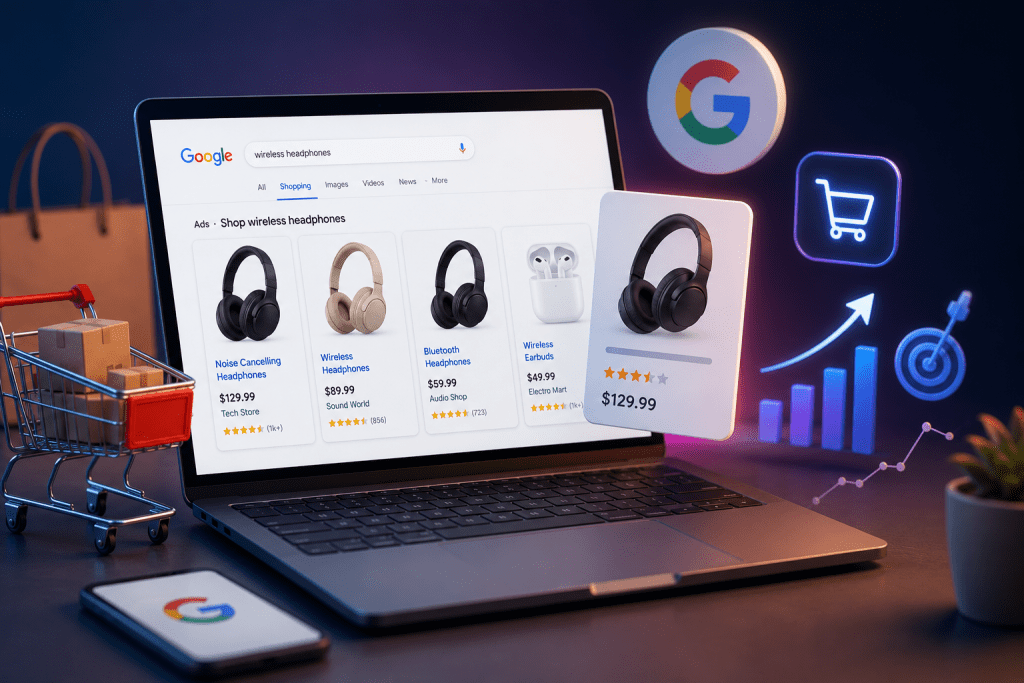
Unlike traditional search ads, Google Shopping Ads are built using the information stored in your Google Merchant Center account. Instead of writing ad headlines for every keyword, Google pulls details directly from your product feed, including:
- Product title
- Description
- Images
- Price
- Brand
- Availability
- Product category
- GTIN or other product identifiers
When someone searches for a product, Google’s system compares that search with your product information and decides which listings are most relevant to display.
That’s why success begins long before someone clicks your ad.
Why Some Products Get Clicks While Others Don’t
Not every product competes on equal footing. Several factors influence whether shoppers notice your listing.
Your Product Title Isn’t Helping Google
Think of your product title as the first conversation between your store and Google’s algorithm.
A vague title like:
Wireless Earbuds
tells Google very little.
A detailed title such as:
Sony WF 1000XM5 Noise Cancelling Wireless Earbuds Black
gives Google much more context, making it easier to match your product with relevant searches.
Clear, descriptive titles also help shoppers quickly confirm they’ve found exactly what they’re looking for.
Your Product Images Don’t Inspire Confidence
Shopping Ads are highly visual.
A blurry image or an inconsistent product photo can lose attention in seconds. High quality images with a clean background allow customers to evaluate your product before they even visit your website.
Professional photography often improves click through rates because shoppers feel more confident about what they’re buying.
Your Price Doesn’t Match Customer Expectations
Google Shopping makes price comparison effortless.
If competitors offer similar products at a lower price or provide better shipping options, shoppers often choose them instead.
Lower prices aren’t always necessary, but your overall value should be obvious. Free shipping, extended warranties, bundles, or easy returns can justify premium pricing.
Why Aren’t My Shopping Ads Converting?

Getting clicks isn’t the same as earning sales.
If visitors leave without purchasing, one or more of these issues could be responsible.
Your Landing Page Creates Friction
Customers expect a seamless buying experience.
Slow loading pages, confusing layouts, hidden shipping charges, or lengthy checkout processes quickly reduce conversions.
Every click costs money. Your website should make completing a purchase feel effortless.
This is why many ecommerce brands invest in Conversion Optimization rather than simply increasing ad spend.
Your Product Feed Needs Attention
Effective product feed optimization is one of the biggest differences between profitable and underperforming campaigns.
Review your feed regularly to ensure:
- Titles accurately describe each product.
- Descriptions highlight important features.
- Prices match your website.
- Stock availability stays updated.
- Product categories are correct.
- GTINs and brand information are included whenever available.
Small improvements across hundreds of products often create significant performance gains.
How Do I Optimize Product Feeds?
Many advertisers overlook their product feed because it works quietly in the background. Yet it’s one of the most influential parts of successful shopping campaigns.
Start with these practical improvements:
| Optimization Area | Why It Matters |
| Product Titles | Improve relevance for customer searches |
| Product Images | Increase click through rate |
| Accurate Pricing | Builds trust and prevents disapprovals |
| Product Descriptions | Helps Google understand your products |
| Product Categories | Improves search matching |
| Availability | Prevents poor customer experiences |
If your catalog contains hundreds or thousands of products, manual updates become difficult. Professional Product Feed Optimization helps maintain consistency while improving visibility across your entire inventory.
Are Shopping Ads Worth It?
Yes, when managed properly.
Shopping Ads reach customers who are already searching for products similar to yours. They see the image, price, seller, and product information before clicking, making the traffic far more qualified than many other forms of ecommerce advertising.
That said, profitable campaigns don’t happen automatically.
Successful businesses continually test product titles, monitor performance, improve feeds, refine bidding strategies, and optimize landing pages.
How Much Do Google Shopping Ads Cost?
There isn’t a fixed price.
Google Shopping Ads use a pay per click model, meaning you pay when someone clicks your listing.
Your costs depend on several factors, including:
- Competition in your industry
- Product demand
- Bid strategy
- Product relevance
- Feed quality
- Customer search intent
Rather than chasing the lowest cost per click, focus on maximizing return on ad spend. A campaign generating profitable sales is always more valuable than one producing inexpensive but unqualified traffic.
Common Mistakes That Hold Shopping Ads Back
Many campaigns underperform because of avoidable issues.
Watch out for these common mistakes:
- Using generic product titles
- Uploading low quality product images
- Ignoring feed updates after inventory changes
- Sending shoppers to poorly optimized product pages
- Failing to track conversions accurately
- Running campaigns without regular optimization
- Competing on price alone instead of overall value
Avoiding these mistakes creates a stronger foundation for long term growth.
Why Expert Management Makes a Difference
Google Shopping Ads aren’t a “set it and forget it” channel.
Consumer behavior changes. Competitors adjust pricing. Search trends evolve. Your product catalog grows.
Without ongoing optimization, even strong campaigns lose momentum.
At Webiators, we help ecommerce businesses improve every stage of the advertising journey. From Google Merchant Center setup and Google Ads Management to advanced PPC Services and broader Ecommerce Marketing strategies, our goal is simple: attract qualified shoppers who are more likely to become loyal customers.
Because better campaigns don’t start with bigger budgets. They start with smarter decisions backed by accurate data.
Read also:- How a Google Ads Agency Improves Targeting and Ad Performance
Final Thoughts
If your Google Shopping Ads generate clicks but not sales, don’t assume the platform has stopped working.
More often than not, the issue lies beneath the surface. Your product feed, pricing strategy, landing page experience, and ongoing optimization all influence whether shoppers choose your business over countless competitors.
Treat your campaigns as an evolving sales engine rather than a one time setup. Keep refining your product data, monitor performance consistently, and focus on creating a better buying experience from the first search to the final checkout.
Those small improvements add up, and over time they often become the difference between an ad budget that disappears and one that consistently drives profitable growth.
FAQs
Google Shopping is a Google service that displays product listings with images, prices, store names, and other product details directly in search results, helping shoppers compare products before visiting a website.
Yes. Google Merchant Center is required to upload and manage your product information before your products can appear in Google Shopping Ads.
Search Ads rely mainly on advertiser-created headlines and keywords, while Shopping Ads are generated from your product data in Google Merchant Center, including titles, images, pricing, and other product attributes.
Google considers multiple factors, including product relevance, feed quality, bid strategy, pricing, and other auction signals when determining which Shopping Ads to display.
Improve your product feed, optimize landing pages, use accurate conversion tracking, test bidding strategies, refine product titles, and continuously monitor campaign performance to maximize return on ad spend.
