
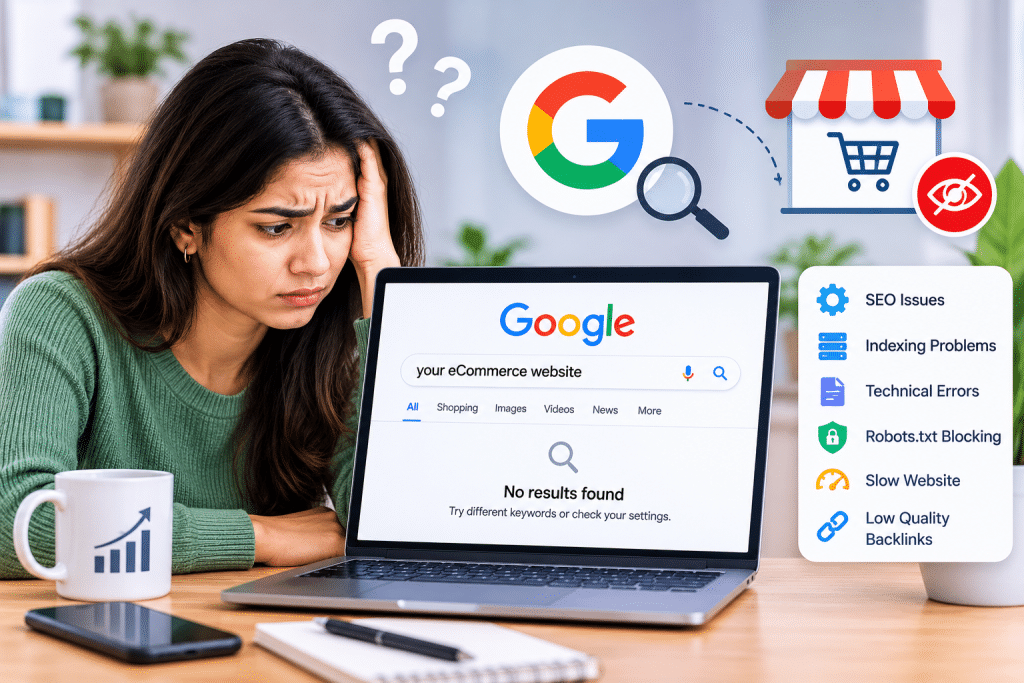

Your ecommerce website is live, but Google shows competitors. Before rewriting descriptions or buying ads, identify the problem: Google may not be crawling your pages, indexing them, or ranking them. Each needs a different fix.
1. Check what Google has actually indexed
Search site:yourdomain.com for a quick clue. Then use Google Search Console: Page indexing shows site-wide patterns; URL Inspection checks a specific product or category page.
Watch for these statuses:
- Discovered – currently not indexed: Google found the URL but hasn’t crawled it. If important URLs stay here, check server responses and crawlable links.
- Crawled – currently not indexed: Google visited it but did not index it. Check for technical problems or content that repeats another URL.
- Excluded by noindex: Confirm that the exclusion is intentional.
Focus on important products and categories, not every filter or duplicate URL. Google says a new page or site may take around a week to start being crawled and indexed. See its Page indexing report guide.
2. Check for accidental blocking
A redesign, migration or plugin change can leave product pages with a noindex tag or a robots.txt rule blocking Googlebot.
Inspect affected URLs in Search Console. Remove unintended restrictions and test the live page. If you use noindex, don’t block the URL in robots.txt; Google must crawl it to read that instruction. Submit an up-to-date sitemap too. It helps Google discover URLs but does not guarantee indexing.
3. Make products reachable without the store search box
Googlebot generally doesn’t use your site’s search box to discover products. Link products from category and subcategory pages. Important products should not be buried or left without internal links.
Google recommends crawlable navigation. Sitemaps and Merchant Center feeds can also help Google find products that links don’t expose. Read Google’s ecommerce site structure guidance.
When navigation or product templates are the problem, Ecommerce Development Services may help fix the store structure.
4. Sort out duplicate URLs
Color, size and sorting filters can create URLs with nearly identical content. Keep internal links, sitemap entries and canonical tags consistent with the preferred URL. Don’t automatically block every filtered page; manage duplicates deliberately. Google’s ecommerce URL guidance explains how to handle variants and duplicates.
5. Give product pages useful information
A supplier’s generic description rarely helps someone choose. Include details shoppers need: dimensions, material, fit, compatibility, care, warranty, delivery and what’s included.
Keep price and stock details accurate. Add Product structured data and consider a Google Merchant Center feed. Google recommends both where feasible. Structured data can make pages eligible for product rich results, but doesn’t guarantee rankings or enhanced appearances.
6. Indexed, but still not ranking?
Check the queries and pages in Search Console. Does the page answer what buyers search for? Does it explain the product better than competing pages? Is the category page more than a grid of items?
Improve the page that needs work instead of repeating keywords across the store. Ecommerce SEO Services can help identify technical, content or competitive gaps.
Read Also:- Why Has My Website Traffic Dropped After a Google Update? What Should I Do Next?
How to rank an ecommerce website on Google: a quick checklist
- Inspect important product and category URLs in Search Console.
- Fix unintended noindex, robots.txt and canonical issues.
- Link products from relevant categories.
- Improve descriptions; verify price and stock.
- Add Product structured data and maintain your Merchant Center feed.
- Review impressions and clicks after Google recrawls the pages.
Need help setting priorities? Ecommerce Consulting Services can help.
If your platform cannot support the changes, discuss a Custom Website Development Service.
Webiators can help stores address these issues through development and SEO.
Frequently asked questions
Why is my eCommerce website not showing up in Google search results?
It may not be indexed, may be blocked, or may contain duplicate or hard-to-find pages. Check Search Console.
How can I get my online store indexed by Google faster?
Make the page crawlable, link to it, submit a sitemap and request indexing. Google gives no fixed timeline.
What SEO issues stop product pages from appearing on Google?
Noindex tags, robots.txt blocks, incorrect canonicals, weak links and thin or duplicate pages.
How can I improve my ecommerce website’s Google visibility?
Fix indexing issues, improve product pages, make products easy to find and target relevant searches.
Why aren’t product pages ranking despite optimized content?
They may miss search intent, lack useful detail or face stronger competition. Indexing alone doesn’t guarantee rankings.
