
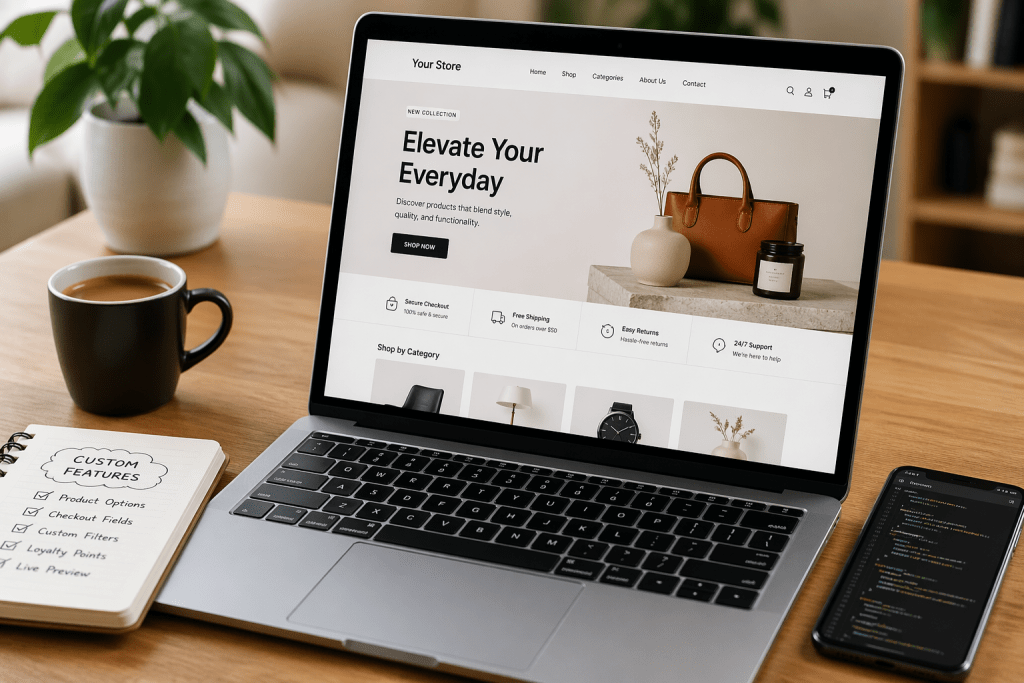

In the fast-paced world of digital retail, the “cookie-cutter” approach is quickly becoming a relic of the past. If you’re running an online shop, you’ve likely felt the itch to stand out.
You want a specific checkout flow, a unique product builder, or perhaps a loyalty dashboard that doesn’t look like everyone else’s.
The knee-jerk reaction for most store owners is to head straight to the app store or plugin marketplace. While plugins are great for a quick fix, they often come with
- extra code that slows down your site
- monthly subscription fees that eat your margins
- security vulnerabilities that keep you up at night
If you want a lean, mean, high-converting machine, custom ecommerce development is the way to go. Let’s talk about how you can add powerful features to your store without leaning on a single plugin.
The Philosophy of “Plugin-Free” Growth
Before we dive into the “how,” let’s look at the “why.” Why bother with ecommerce customization from scratch?
- Unique UX: You can tailor the journey specifically to your global audience’s habits rather than trying to fit your brand into a pre-made template.
- Site Speed: Every plugin adds a new layer of JavaScript and CSS. By hard-coding features, you keep your site lightweight and lightning-fast.
- Total Control: When you build it, you own the logic. You aren’t at the mercy of a third-party developer who might stop updating their app tomorrow.
Custom Ecommerce Development Without Adding PluginsIn
the fast-paced world of digital retail, the “cookie-cutter” approach is quickly becoming a relic of the past. If you’re running an online shop, you’ve likely felt the itch to stand out.
You want a specific checkout flow, a unique product builder, or perhaps a loyalty dashboard that doesn’t look like everyone else’s.
The knee-jerk reaction for most store owners is to head straight to the app store or plugin marketplace. While plugins are great for a quick fix, they often come with
- extra code that slows down your site
- monthly subscription fees that eat your margins
- security vulnerabilities that keep you up at night
If you want a lean, mean, high-converting machine, custom ecommerce development is the way to go. Let’s talk about how you can add powerful features to your store without leaning on a single plugin.
The Philosophy of “Plugin-Free” Growth
Before we dive into the “how,” let’s look at the “why.” Why bother with ecommerce customization from scratch?
- Unique UX: You can tailor the journey specifically to your global audience’s habits rather than trying to fit your brand into a pre-made template.
- Site Speed: Every plugin adds a new layer of JavaScript and CSS. By hard-coding features, you keep your site lightweight and lightning-fast.
- Total Control: When you build it, you own the logic. You aren’t at the mercy of a third-party developer who might stop updating their app tomorrow.
Custom Ecommerce Development Without Adding Plugins
Here are a few steps that you can follow for custom ecommerce development without enabling hectic plugins:
1. Customizing the Product Page via Theme Code
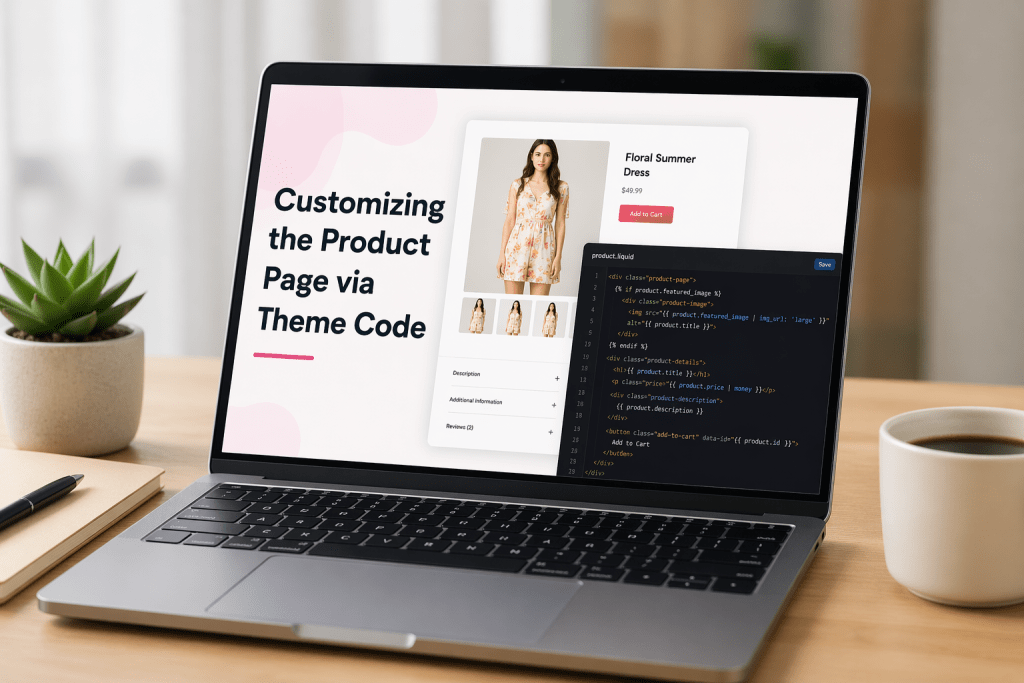
The product page is where the magic happens. Instead of using a “Product Add-on” plugin to offer engravings, gift wrapping, or custom dimensions, you can use Custom Liquid (on Shopify) or edit your functions.php (on WooCommerce).
By adding custom fields directly into your theme’s code, you can capture specific customer data and pass it directly to the cart. It keeps the interface clean and ensures the data is perfectly formatted for your fulfillment team.
Pro Tip for the Global Market:
If you are selling globally, use your theme’s localization files (locales) to ensure these custom fields translate automatically based on the user’s region. This is a subtle part of ecommerce customization that makes international shoppers feel right at home.
Also Read – Magento Open Source 2.4.9: What’s New, What Changed, and How to Upgrade
2. Advanced Filtering and Search Logic
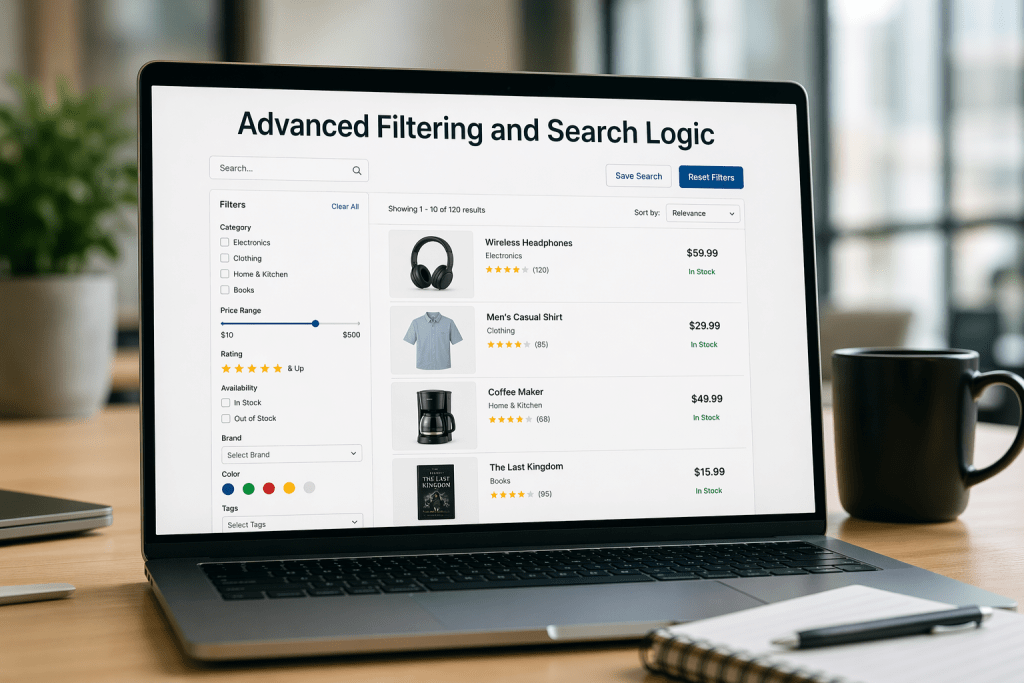
Standard search bars are often underwhelming. To create a “pro” search experience without a heavy plugin, you can leverage API-based development. By integrating tools like Elasticsearch directly into your frontend code, you provide instantaneous, predictive search results.
It requires a bit of custom ecommerce development expertise, but the payoff is huge. You get a search experience that rivals Amazon’s without the clunky interface of a generic search app.
3. Custom Checkout Fields and Logic
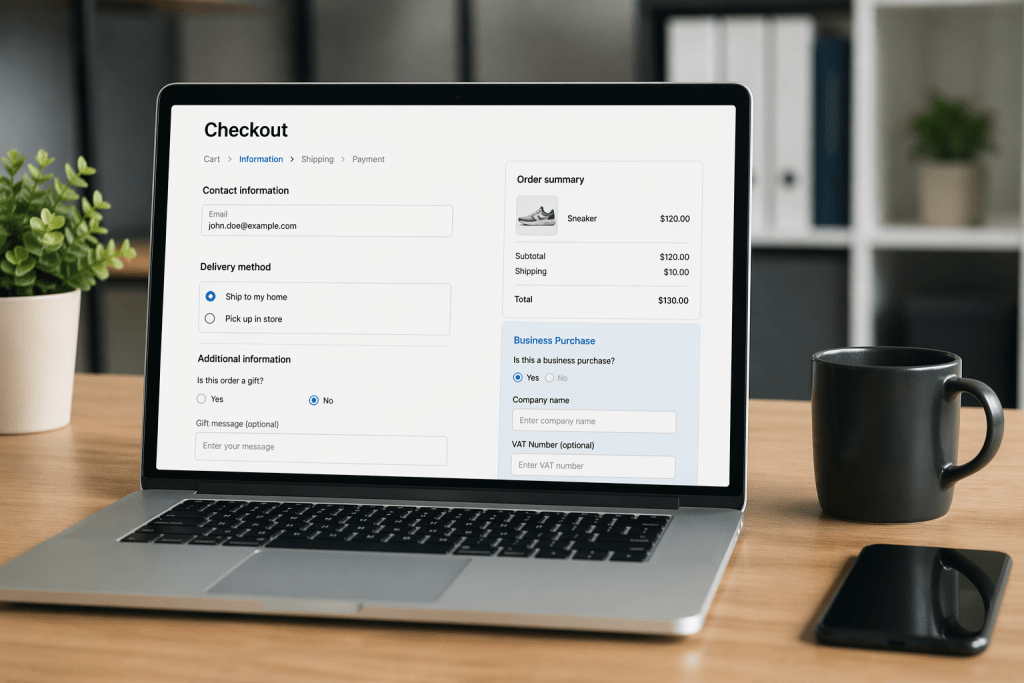
The checkout is the most sensitive part of your store. Most plugins that “tweak” the checkout are prone to breaking during platform updates.
By using your platform’s native “Checkout Extensibility” features (or editing your checkout templates in open-source platforms), you can:
- Add custom delivery date pickers.
- Include “Trust Badges” that are hard-coded for speed.
- Implement custom tax or shipping logic based on specific zip codes.
4. Performance-Focused Marketing Integrations
Many stores use plugins just to add tracking pixels or marketing pop-ups. These are notorious for “Layout Shift,” which hurts your Google rankings.
Instead, use a Server-Side Tagging approach. By adding your Google Tag Manager or Meta Pixel code directly into your site’s header and handling the data on the server side, you keep the frontend clean.
This is where professional ecommerce marketing services really shine; they help you track every click without slowing down the customer’s browsing experience.
5. Building Your Own Loyalty Logic
Loyalty programs are essential for retention, but the apps are often expensive. If you have a specific vision, like “Earn 5 points for every review with a photo”, you can build a custom database table and use Webhooks to trigger point updates.
It keeps your rewards system deeply integrated with your brand identity rather than feeling like a third-party add-on.
How Webiators Technologies Can Help
Building custom features from scratch is rewarding, but it’s also technical. One wrong line of code can bring down a checkout page during a flash sale. This is why partnering with experts like Webiators Technologies is a game-changer.
Webiators specializes in high-end custom ecommerce development that prioritizes performance and scalability. They don’t just “install things”; they build solutions.
Whether you need a bespoke B2B portal, a custom API integration, or a complete store overhaul, our team understands how to balance technical complexity with a smooth UI.
Furthermore, we provide comprehensive ecommerce development services that cover everything from initial architecture to ongoing maintenance.
If you’re looking to scale, our ecommerce marketing services ensure that your custom-built features are actually reaching the right audience and driving the ROI you deserve.
Also Read – Managed VPS Hosting for Businesses That Can’t Afford Guesswork
Summary: The Developer’s Checklist for Going Plugin-Free
- Audit First: Look at your app list. If a plugin only does one small thing, see if it can be replaced by 10 lines of code.
- Use Native Features: Most platforms, like Shopify, Magento, and BigCommerce, have powerful built-in tools that people overlook.
- Prioritize Mobile: Custom code should always be “Mobile First.”
- Test on Staging: Never push ecommerce customization directly to your live site. Use a sandbox environment first.
Final Thoughts
The future of ecommerce belongs to the brands that provide a frictionless, personalized experience. By stepping away from the “one-click install” mentality and investing in custom ecommerce development, you are building an asset that is truly unique to your brand.
It’s about more than just code; it’s about creating a digital space that reflects your brand’s soul and respects your customers’ time. Ready to declutter your store? The “Inspect Element” tool is waiting! For an easy customization of your ecommerce store, contact Webiators right away!
FAQs
1. Does custom ecommerce development cost more than plugins?
Initially, yes. However, over 2-3 years, you save a fortune on monthly app subscriptions and gain a faster site that converts better.
2. Will custom code break when my platform updates?
Not if it’s built using the platform’s official APIs and best practices. That’s why professional development services are so important.
3. How does this help my SEO?
Fewer plugins mean a faster “Largest Contentful Paint” (LCP), which is a major ranking factor for Google.
4. Can I still use some plugins?
Of course! The goal isn’t “Zero Plugins,” it’s “Zero Bloat.” Use plugins for massive tasks (like SEO management) but hard-code the small features.
5. How do I start with custom development?
Start with a performance audit. Identify which apps are slowing you down and talk to a team like Webiators to see which ones can be replaced with custom code.
