
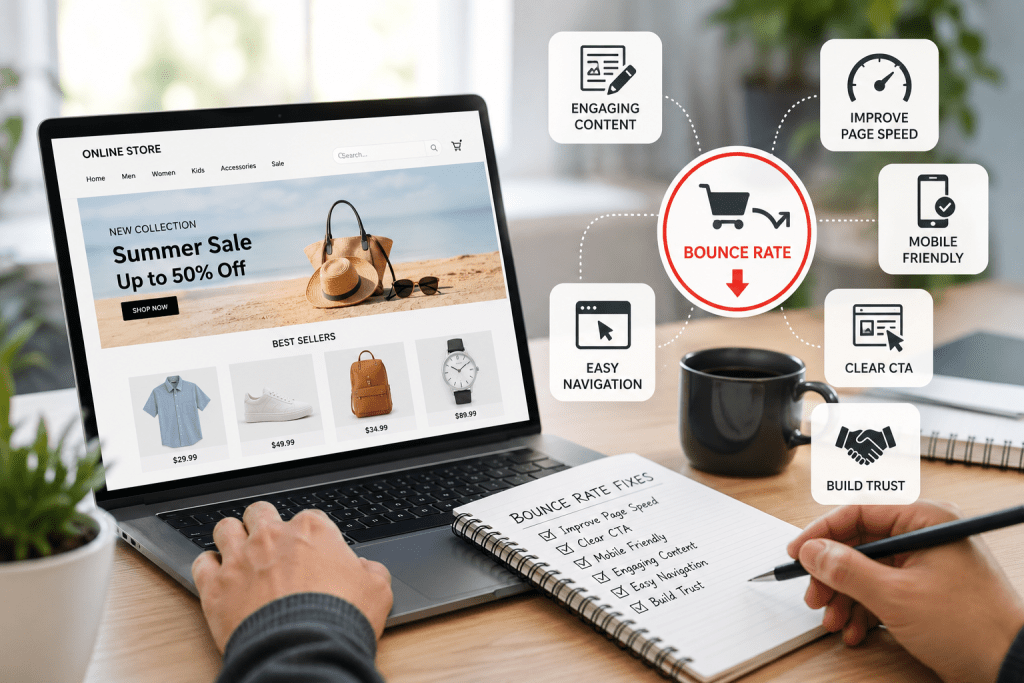

A visitor lands on your store, looks around for a few seconds, and leaves without clicking anything. That single exit might seem small, but when it happens hundreds of times a day, it quietly eats into your revenue.
If you are searching for how to reduce bounce rate, the truth is simple. Most ecommerce sites don’t have a traffic problem. They have an experience problem.
Let’s fix that with practical, proven steps that actually work.
What Bounce Rate Means in Ecommerce (Accurate View)
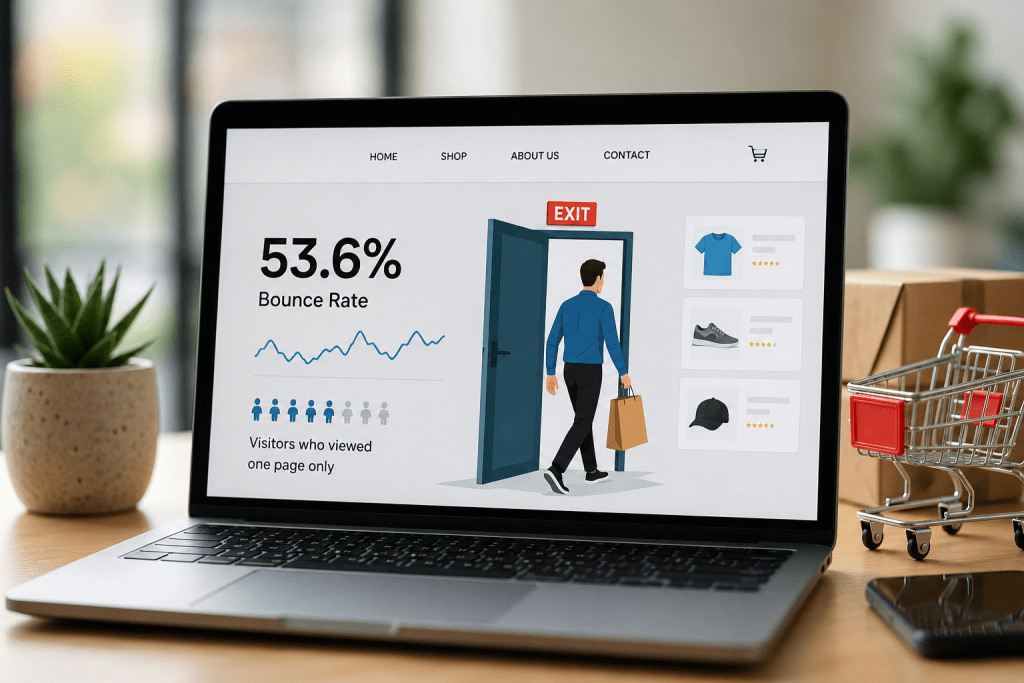
Bounce rate is the percentage of visitors who leave your site without taking any meaningful action, such as clicking to another page or interacting with content.
Here is where many people get confused:
- A high bounce rate is not always bad
- A low bounce rate is not always good
For example, someone may read a blog post completely and leave. That still counts as a bounce. But in ecommerce, where the goal is browsing and purchasing, a high bounce rate usually points to friction in the buying journey.
Typical benchmarks based on industry data:
- 20% to 45% → Strong performance
- 45% to 60% → Average
- Above 60% → Needs improvement
These ranges vary depending on traffic source, device type, and niche. Paid traffic often has a higher bounce rate than organic traffic.
Why Ecommerce Websites Get High Bounce Rates

Before improving engagement, identify what is pushing users away.
1. Slow Loading Pages
As page load time increases, the likelihood of users leaving rises sharply. This is especially true for mobile users.
2. Mismatch Between Expectation and Reality
If your ad or search result promises something different from what users see on the page, they leave immediately.
3. Confusing Layout or Clutter
Too many banners, popups, or unclear structure overwhelm visitors.
4. Weak Product Pages
Missing details, poor images, or unclear pricing create hesitation.
5. Lack of Trust
No reviews, unclear policies, or missing contact details reduce confidence.
How to Reduce Bounce Rate on Ecommerce Websites (Practical Fixes)
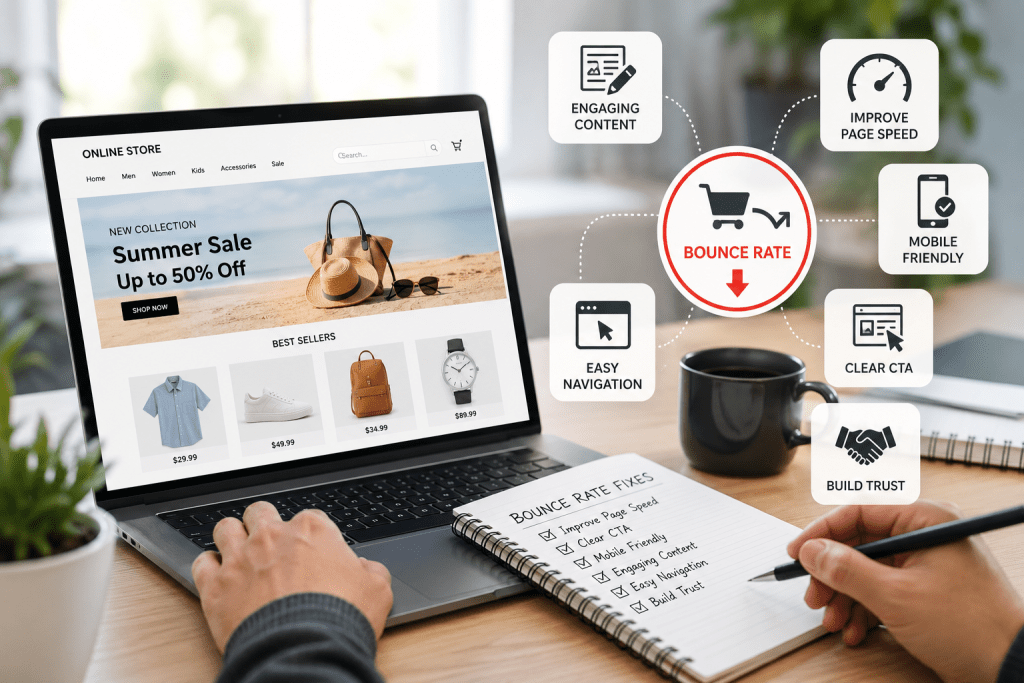
Now let’s focus on what actually works.
1. Improve Page Speed First
Speed directly impacts both bounce rate and conversions.
What to fix:
- Compress large images and use modern formats
- Remove unused apps and scripts
- Use reliable, high-performance hosting
- Enable lazy loading for images
Even a small improvement in load time can lead to better engagement.
2. Make Your First Screen Crystal Clear
Within seconds, users should understand:
- What you sell
- Why it matters
- What to do next
If your page feels unclear or cluttered, users will not stay to figure it out.
3. Fix Product Pages That Don’t Convert
Most bounce issues happen here.
A strong product page includes:
- Multiple high-quality images
- Clear pricing and stock status
- Short, benefit-focused descriptions
- Customer reviews or ratings
- Shipping and return information
If users cannot quickly decide, they leave.
4. Optimize for Mobile First
A large portion of ecommerce traffic comes from mobile devices.
Test your site on a real phone:
- Are buttons easy to tap?
- Is the text readable without zooming?
- Is checkout simple and smooth?
A poor mobile experience drives users away quickly.
Users should find products without effort.
Best practices:
- Keep categories clear and limited
- Use simple, familiar labels
- Add a functional search bar
If users struggle to find products, they will leave.
6. Match User Intent Exactly
If someone clicks on a specific offer and lands on an unrelated page, they exit.
Always align:
- Ads with landing pages
- Search keywords with product listings
Consistency reduces bounce and builds trust.
7. Add Real Trust Signals
Trust plays a major role in ecommerce decisions.
Include:
- Genuine customer reviews
- Clear return and refund policies
- Secure payment indicators
- Visible contact information
When users feel confident, they stay longer.
8. Use Popups Carefully
Popups should support the experience, not interrupt it.
Do this:
- Show after a few seconds
- Offer something useful like a discount
Avoid:
- Immediate popups on page load
- Multiple overlapping messages
Poorly timed popups increase bounce rate.
9. Encourage Exploration
If users visit only one page, bounce rate increases.
Guide them with:
- Related product suggestions
- “You may also like” sections
- Featured or best-selling items
This naturally improves engagement.
10. Track Real User Behavior
Do not rely on assumptions.
Use analytics and behavior tools to understand:
- Where users click
- Where they drop off
- What they ignore
Fixing real issues delivers real results.
Where Most Ecommerce Stores Go Wrong
Many businesses apply random fixes without understanding the root problem.
Common mistakes include:
- Focusing on design instead of usability
- Driving traffic without optimizing landing pages
- Ignoring mobile experience
- Overcomplicating navigation
Sustainable improvement comes from fixing fundamentals.
When You Need Expert Help
If your bounce rate remains high after improvements, the issue may be structural. It could involve site architecture, performance, or conversion strategy.
Professional solutions like Shopify Development Services, Magento Development Services, or complete Ecommerce development services can help improve performance and usability. Pairing this with Ecommerce Marketing services ensures you attract the right audience.
Final Thoughts
Reducing bounce rate is about creating a better user experience.
When your website is fast, clear, and easy to use, people stay. When they stay, they explore. And when they explore, they are far more likely to convert.
Focus on what truly matters to your users, and the results will follow.
FAQs
1. What is a good bounce rate for ecommerce websites?
Ans. A bounce rate between 20% and 45% is generally strong. Above 60% may indicate usability or targeting issues.
2. Does page speed affect bounce rate?
Ans. Yes. Slower pages lead to higher exit rates, especially on mobile devices.
3. How can I quickly improve engagement?
Ans. Start with faster loading speeds, clearer messaging, and optimized product pages.
4. Is a high bounce rate always bad?
Ans. Not always, but for ecommerce websites, it often signals a problem in user experience or relevance.
5. How long does it take to see improvements?
Ans. You may notice early improvements within a few weeks, but consistent optimization delivers long-term results.
