

In the US, social media is not just where people hang out. It is where they discover brands, compare products, and make buying decisions in real time. According to the Digital 2025 Global Overview Report by DataReportal, billions of users actively engage across social platforms each month, and social commerce continues to grow year over year.
If your Shopify store exists in isolation, you are basically running a retail shop in the middle of a desert.
You need traffic. You need attention. More importantly, you need intent.
Let’s talk about how to add social media to Shopify properly and how to turn it into a predictable revenue channel, not just a brand awareness experiment.
Why Social Media Integration Is Non Negotiable in 2026
American consumers move fast. They scroll during lunch breaks, compare reviews while watching TV, and complete purchases before their coffee gets cold.
Social platforms have evolved into direct selling environments. Features like product tagging, native checkout, and dynamic ads have shortened the buyer journey dramatically.
If your store is not connected to platforms like Instagram, Facebook, TikTok, and Pinterest, you are asking customers to take extra steps. Extra steps reduce conversions.
And conversions pay your bills.
How to Add Social Media to Shopify Step by Step
You do not need to be technical. You need to be strategic.
1. Add Social Icons to Build Trust
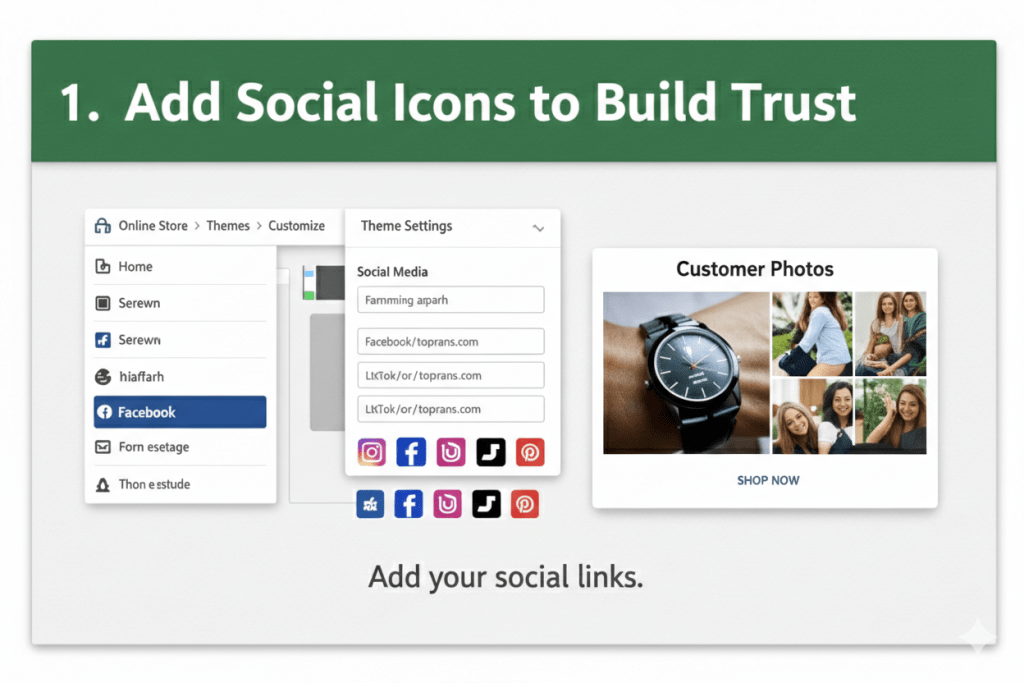
Inside Shopify:
Go to Online Store
- Click Themes
- Select Customize
- Add your social links under Theme Settings
Simple? Yes. Powerful? Also yes.
When customers see active social profiles, it signals legitimacy. Nobody trusts a brand with zero digital footprint in 2026.
2. Connect Official Sales Channels
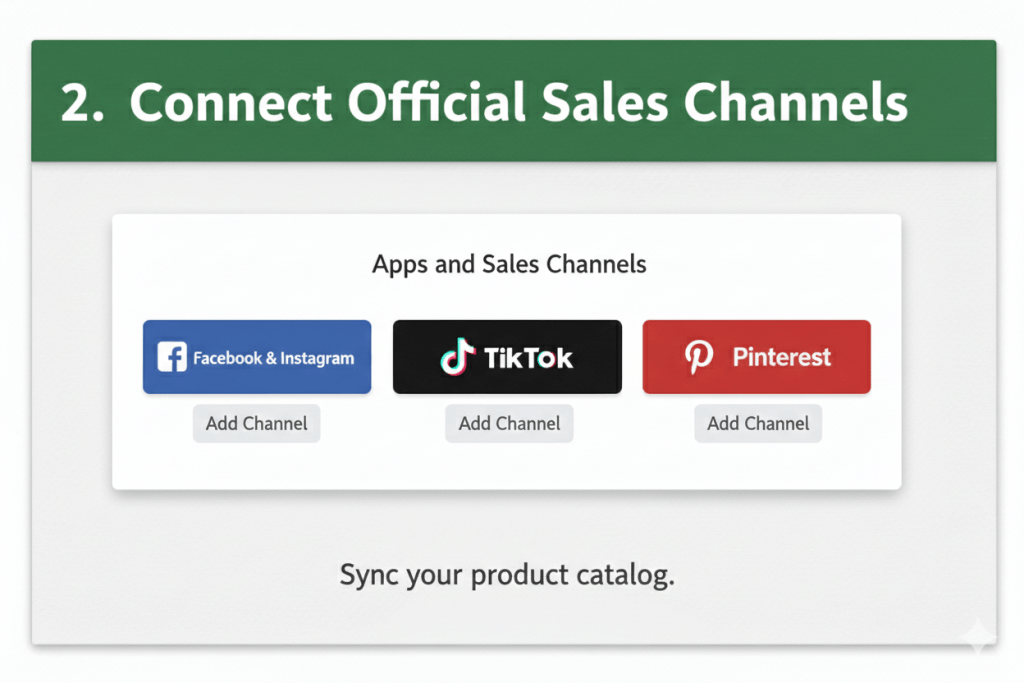
Go to Settings → Apps and Sales Channels and install:
- Facebook and Instagram Sales Channel
- TikTok Sales Channel
- Pinterest Sales Channel
These integrations sync your catalog automatically. Pricing, stock levels, and product details stay aligned.
Now your products can be tagged in posts and displayed in platform specific shops.
This is where how to get sales on Shopify shifts from theory to execution.
3. Turn Social Browsers into Buyers with Retargeting
Here is where most stores lose money.
A visitor clicks your ad, views a product, then leaves. That is not failure. That is opportunity.
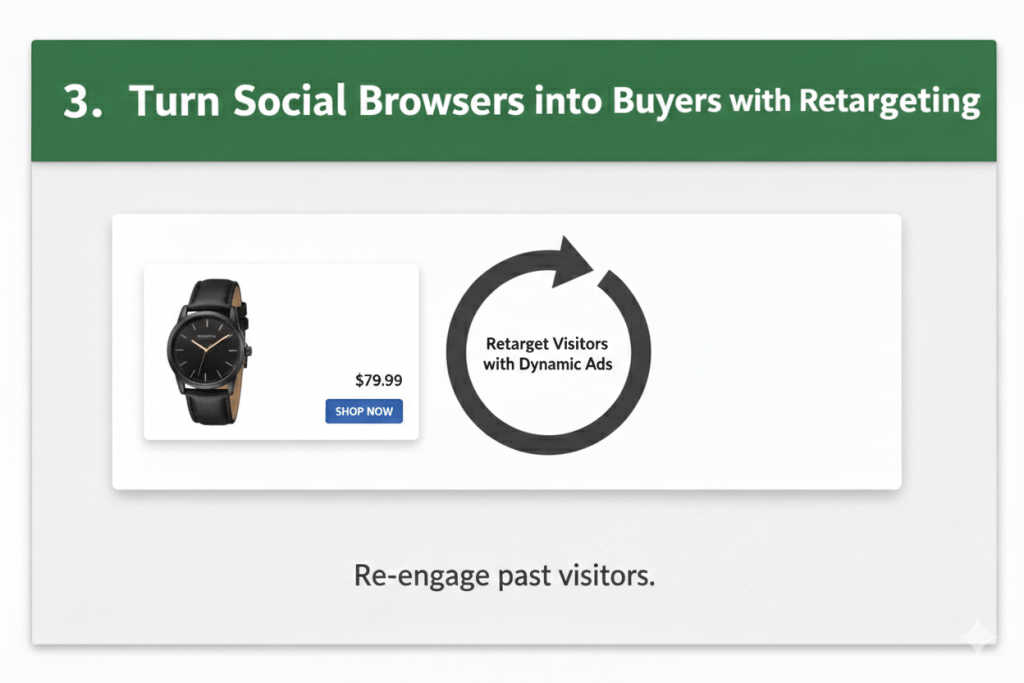
With properly configured tracking pixels, you can retarget those visitors with the exact product they viewed. Dynamic ads often convert at significantly higher rates than cold traffic campaigns.
If your tracking is misconfigured, your ad budget leaks quietly. This is where professional Shopify Development Services make a difference. Growth needs technical precision.
4. Add Social Proof Where It Matters Most
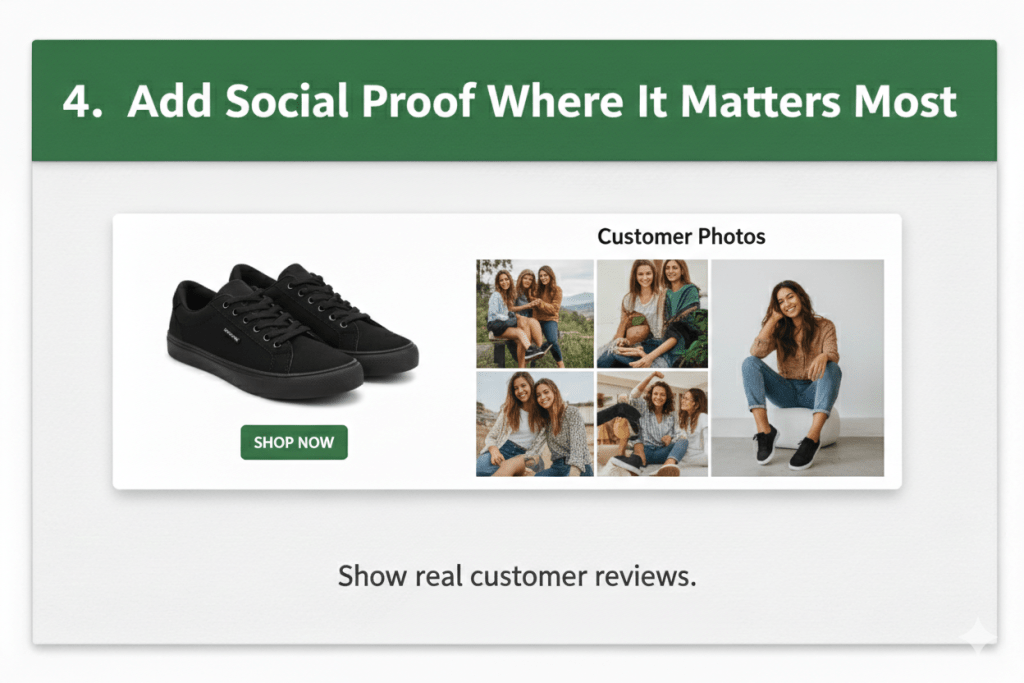
People trust people more than brands.
Embed Instagram feeds on product pages. Highlight customer generated photos. Showcase video reviews.
When shoppers see real humans using your product, hesitation drops. Conversion rates rise.
This is one of the smartest ways to get more sales on Shopify without increasing ad spend.
How to Get More Sales on Shopify Using Social Strategy
Adding icons is not strategy. Let’s go deeper.
Create Content That Matches Buyer Psychology
Short videos perform exceptionally well for impulse products. Educational carousels work well for higher priced items.
If you sell skincare, show texture and real results.
If you sell fitness gear, show transformation clips.
If you sell B2B solutions, show case studies and client wins.
Do not just post products. Show outcomes.
Fix Store Speed Before Scaling Traffic
Running ads to a slow site is like inviting customers into a store with a locked door.
US consumers are impatient. If your Shopify store takes too long to load, bounce rates increase sharply.
Invest in Shopify Store Speed Optimization before scaling campaigns. Faster stores convert better. It is that simple.
Think Beyond DTC: Use Shopify for B2B E-commerce
If you serve wholesalers, distributors, or bulk buyers, social media still works.
Educational LinkedIn posts, behind the scenes operations, and industry insights build credibility. Many brands are successfully using Shopify for B2B E-commerce combined with targeted campaigns to attract high value contracts.
Social media builds awareness. Authority closes deals.
The Bigger Picture: Integration Is Just the Beginning
Connecting social channels is step one.
Optimizing funnels, tracking analytics, improving UX, and building high converting landing pages are step two.
That is where professional Ecommerce development services become your growth partner instead of a cost center.
You can test randomly. Or you can scale intentionally.
Attention Is Currency
In 2026, attention is currency.
Your Shopify store is your asset. Social media is your amplifier. When both are integrated strategically, revenue follows.
If you are serious about increasing conversions, improving store performance, and building a scalable sales ecosystem, Webiators can help you design growth that is structured, measurable, and sustainable.
Traffic is easy. Profitable growth is engineered.
FAQs
Ans. Use Shopify’s built in theme customization for social links and install official sales channel apps from the admin dashboard.
Ans. Through product tagging, retargeting ads, and social proof integration, social platforms drive both traffic and conversions.
3. Which platform works best for US Shopify stores?
Ans. It depends on your niche. Fashion performs strongly on Instagram and TikTok, while home decor thrives on Pinterest.
4. How to get more sales on Shopify from paid ads?
Ans. Ensure accurate pixel tracking, optimize store speed, and use dynamic retargeting campaigns for warm audiences.
5. Is professional help necessary for scaling?
Ans. If you are investing heavily in ads or handling complex funnels, expert Shopify developers can significantly improve ROI.
